Card Isle Instructions
- Please make sure you add the Card Isle upgrade to your arrangement. The option is located on the arrangement page next to the product information section
- Visit Card Isle
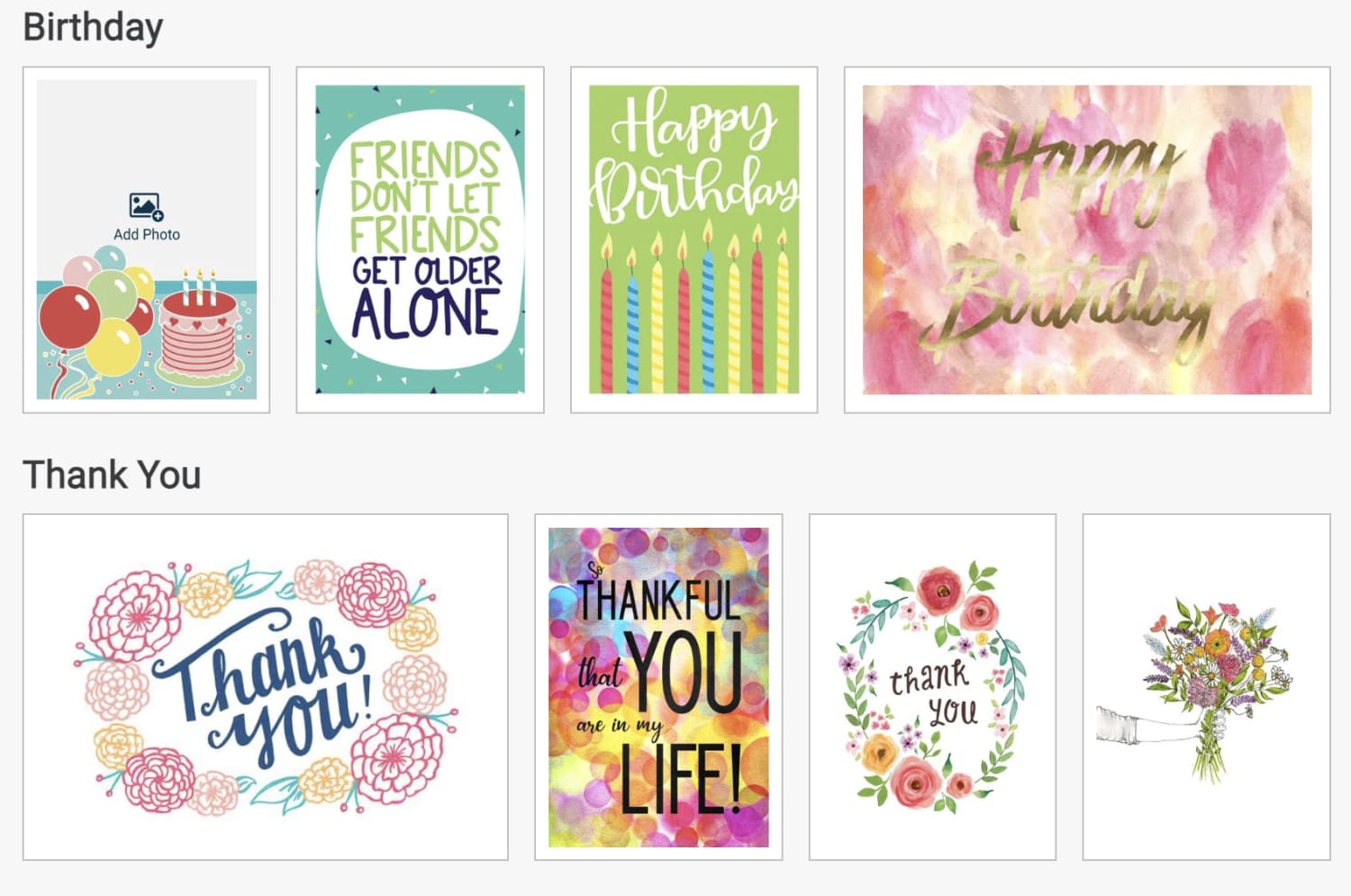
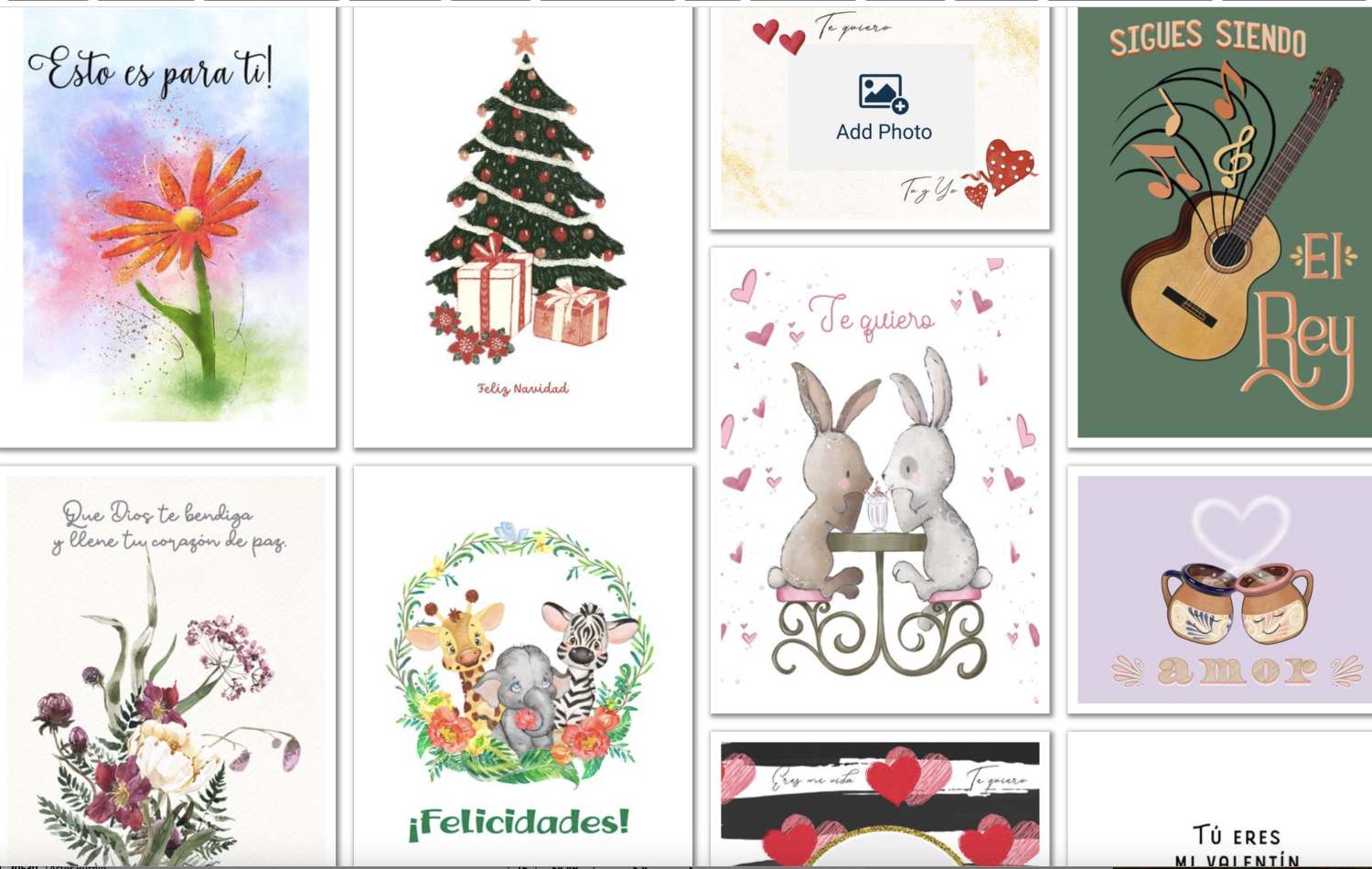
- Choose your card or use the available search filters to look for a specific theme
- Click Next to edit the default message
- Click Edit Message
- Add to or replace the default message
- Click Add to Cart
- Choose Print in Store and click continue
- Enter your email so that you receive a code for the card you have just designed
- Click send code
- On the final page you will find your Pickup Code
- Copy the code and paste it into the Florist Instructions box located at the bottom of the Delivery page during checkout process.